Gesture-Controlled Robots Explained: How They Work
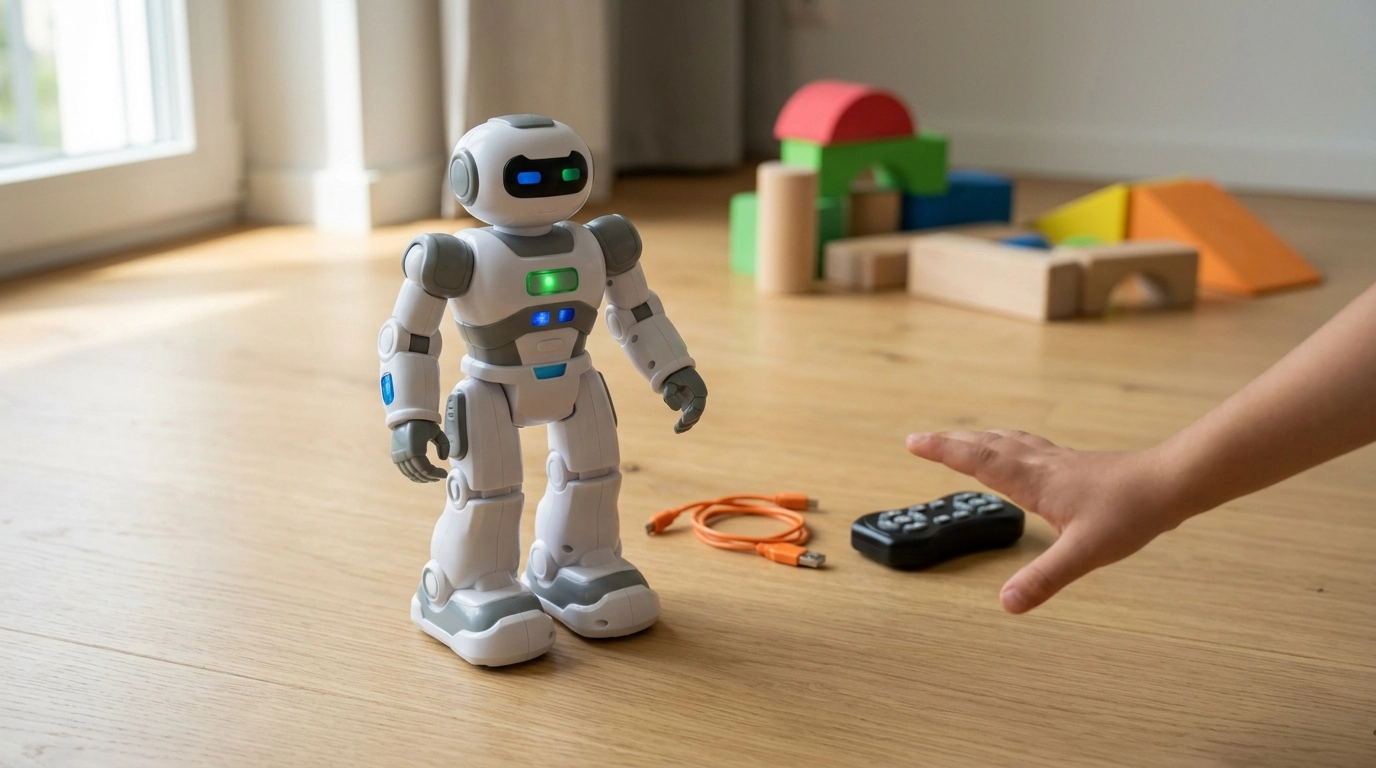
What is a gesture-controlled robot?
A gesture-controlled robot is a robot you can steer or command using hand or arm movements instead of buttons or joysticks. It typically relies on sensors (such as accelerometers, gyros, or camera-based tracking) that read motion, translate it into signals, and trigger the robot’s actions—like driving forward, turning, or performing preset tricks.
In many consumer models, gesture control feels like “point and go”: tilt a controller, wave a hand, or make a specific motion pattern, and the robot responds in real time. Some advanced versions also let you record a series of moves and replay them, turning simple gestures into a repeatable routine.
How gesture control works in everyday robot toys
Most gesture-controlled robots use one of two approaches. The first is a motion-sensing controller: a wearable or handheld unit detects how you move and sends commands wirelessly. The second is vision-based tracking: the robot’s camera interprets your gestures directly (more common in premium devices).
Because these robots are designed for quick setup, they often include built-in modes—gesture driving, dance mode, auto-demo, or programmable replay—so you can switch from freeform control to choreographed sequences without needing technical skills.
Why people buy gesture-controlled robots
Gesture control makes play and demonstrations more intuitive, especially for kids or first-time users. It’s also a fun way to explore basic robotics concepts like sensors, wireless communication, and programmed behaviors—without starting from scratch.
For a closer look at a gesture smart RC robot with programmable replay and USB charging features, visit this guide.
FAQ
What are gesture-controlled robotics?
Gesture-controlled robotics refers to robotic systems that interpret human movements as control inputs. Depending on the design, gestures may trigger simple directional commands or more complex sequences and tasks.
Can I make a hand gesture-controlled robot arm using Arduino?
Yes. A common setup uses an Arduino with a sensor (like an accelerometer/gyro module or a flex sensor glove) to read hand motion, then maps those readings to servo motors on a robot arm.














Leave a comment