How to Charge a Robot Dog Safely (USB Guide)
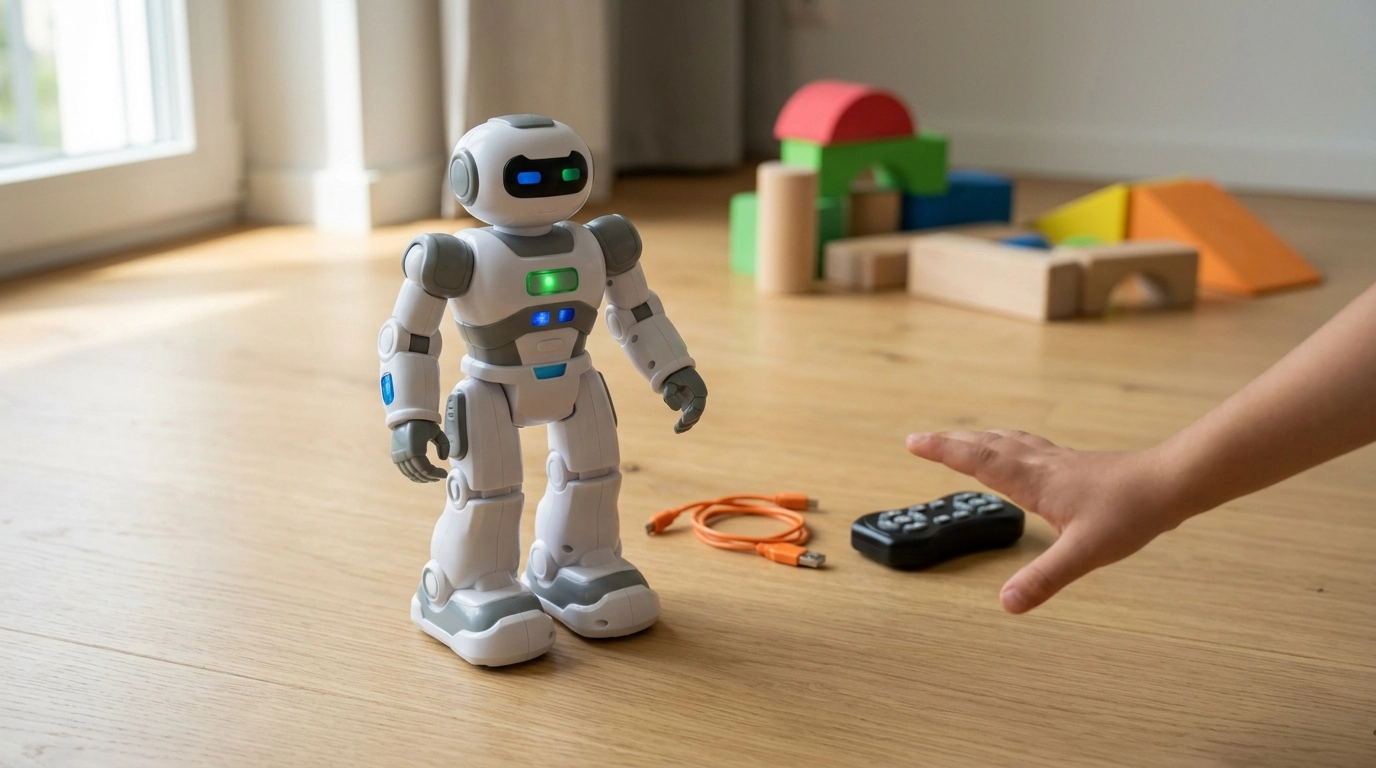
How do you charge the robot dog?
Most robot dogs charge through a built-in rechargeable battery and a USB charging cable. The safest approach is to power the toy off, connect the charger to the robot dog’s charging port, and plug the other end into a stable USB power source (like a computer USB port or a 5V USB wall adapter). Charging indicators vary by model, so watch for a light change or a “charged” indicator if your robot includes one.
Step-by-step charging basics
Start by placing the robot dog on a flat, dry surface and switching it to OFF so it doesn’t move while connected. Locate the charging port (often on the side, belly, or under a small rubber cover), then insert the USB plug fully but gently. Plug the USB end into power and let it charge uninterrupted until the indicator shows completion or until the recommended charge time has passed.
Tips to protect the battery and charger
Avoid charging right after intense play—letting the battery cool for a few minutes can help. Don’t force the connector, and keep the port free of dust or debris. If the robot dog won’t hold a charge, try a different USB power adapter, confirm the cable is working, and make sure the toy is fully switched off during charging.
For model-specific port location, indicator behavior, and charging time, follow the full guide here: USB charging guide for the gesture smart RC robot dog.
FAQ
How to charge AI robot dog?
Turn it off, connect the included USB cable to the charging port, and plug the other end into a 5V USB power source. Let it charge until the indicator shows it’s full or the recommended time has passed.
How to charge Zoey the robot dog?
Power Zoey off, locate the charging port (often under a cover on the body), and connect the USB charger firmly. Charge on a flat surface and disconnect once the charging light indicates completion or after the suggested charge duration.














Leave a comment