Build a Gesture Control Robot: IMU, Mapping & Wireless
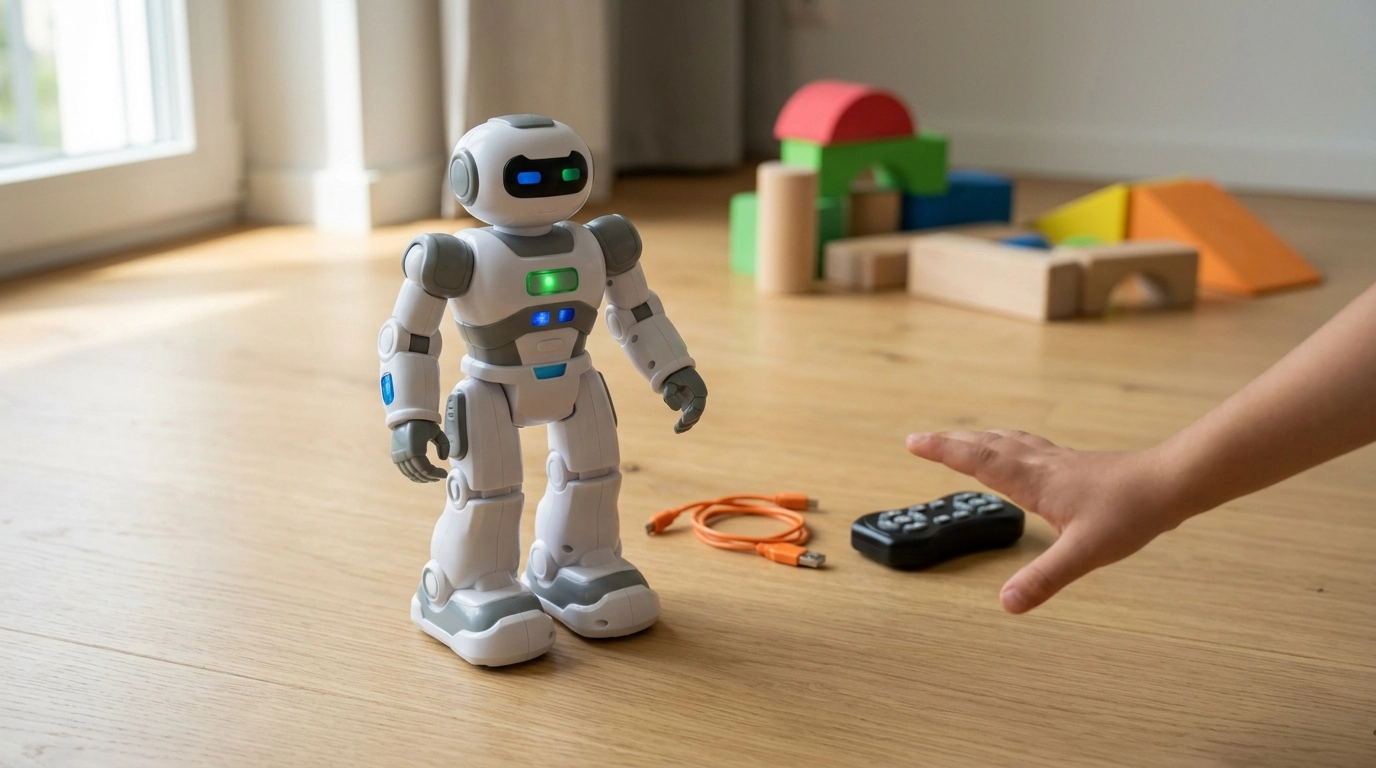
How to make gesture control robot?
A gesture control robot reads motions from your hand (or a handheld sensor) and turns those movements into drive commands like forward, backward, left, and right. The simplest path is to start with a ready-made gesture-controlled smart RC robot, then learn how the gesture mapping works and customize it as you go.
1) Choose your control method
Most DIY builds use either a glove/handheld controller with an IMU (accelerometer/gyroscope) or a camera-based tracker. For a first build, an IMU-based controller is faster, cheaper, and easier to tune because it outputs clean motion data that can be converted into robot commands.
2) Pick a robot platform that’s easy to drive
A two-wheel differential drive robot (two motors plus a caster) is the most forgiving. You’ll need a chassis, DC gear motors, a motor driver, a battery, and a microcontroller (or an integrated smart RC platform). Start with slow-to-medium speed gearing so small gesture mistakes don’t cause big crashes.
3) Map gestures to movement
Decide on a small set of reliable gestures: tilt forward = forward, tilt back = reverse, tilt left/right = turns, flat = stop. Add a “dead zone” around the neutral position so tiny hand tremors don’t trigger motion. Then clamp maximum speed so the robot accelerates smoothly instead of jerking.
4) Connect controller to robot
Use a wireless link (commonly 2.4 GHz RF or Bluetooth) to send simple commands (F, B, L, R, S) or numeric speed/turn values. Keep messages short, include a timeout, and force the robot to stop if it hasn’t heard from the controller recently.
5) Test, tune, and add extras
Calibrate the IMU, test each gesture one at a time, and adjust thresholds until gestures feel natural. Once driving is stable, add features like programmable “replay” moves, lights, sounds, or obstacle sensing. For a practical example of a gesture-enabled smart RC robot setup and features, see this gesture smart RC robot guide.
FAQ
How to add gesture control?
Add an IMU sensor (accelerometer/gyroscope) to a glove or handheld controller, translate tilt/rotation into commands, then send those commands wirelessly to a motor driver on the robot. Use calibration and a neutral “dead zone” so the robot stays still when your hand is relaxed.
What is a gesture-controlled robot?
A gesture-controlled robot is a robot that responds to human movement signals—like hand tilts, arm motions, or specific poses—captured by sensors or a camera. Those gestures are converted into motion or action commands in real time.
Can I make a voice command robot using Arduino?
Yes. An Arduino can drive motors and react to voice commands using a Bluetooth voice app on a phone, a dedicated voice-recognition module, or an external processor that sends recognized commands to the Arduino.














Leave a comment