Charge a Smart Induction/Gesture Robot Safely (USB Guide)
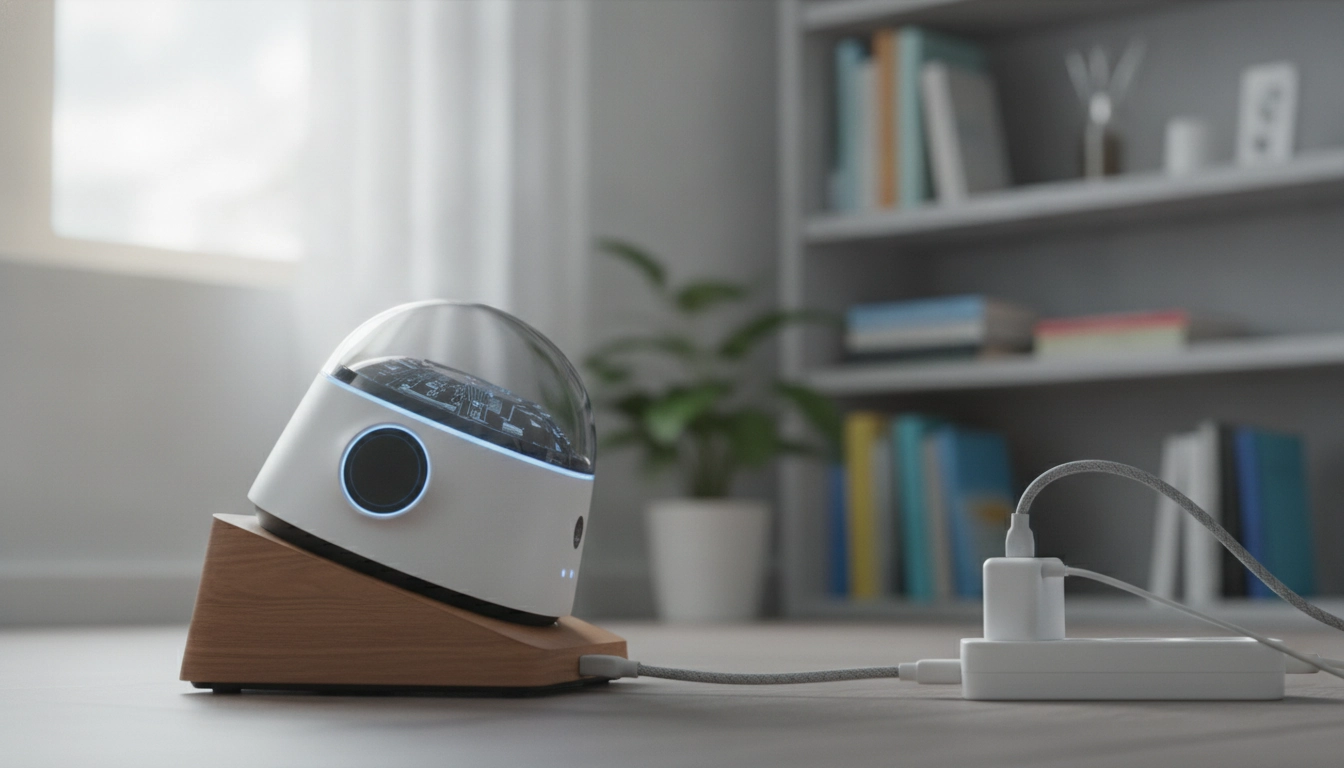
How to charge the smart robot induction robot?
Most smart induction/gesture robots charge through a built-in rechargeable battery and a USB charging port (or a USB cable that plugs into the robot). To charge safely and get the best run time, power the robot off, connect the included USB cable to the robot’s charging port, and plug the other end into a 5V USB power source (like a computer USB port or a standard USB wall adapter).
Step-by-step charging checklist
1) Turn the robot’s power switch to OFF before charging. 2) Locate the charging port (often on the back, underside, or behind a small rubber flap). 3) Insert the USB connector fully—don’t force it. 4) Plug into a low-power 5V USB source; avoid “fast charge” phone bricks unless the manual specifically allows it. 5) Let it charge until the indicator light shows full (light behavior varies by model). 6) Unplug the cable, close any port cover, then turn the robot back ON.
How long should it charge?
Charge time depends on battery capacity, but many USB rechargeable smart RC/gesture robots take around 1–2 hours to reach a full charge. If the robot is new or has been stored for a while, the first full charge may take a bit longer and helps calibrate battery performance.
Common charging issues (and quick fixes)
If it won’t charge, try a different USB port or adapter, reseat the cable, and confirm the robot is switched OFF. Also check for debris in the charging port and make sure batteries in the remote (if included) are installed correctly—some robots won’t respond until both the robot and controller have power.
For model-specific port location, indicator light patterns, and USB charging tips, follow the full guide here: https://emprene.com/guide-gesture-smart-rc-robot-programmable-replay-usb-charging/
FAQ
How do you charge the robot dog?
Turn the robot dog OFF, connect the included USB charging cable to its charging port, and plug into a 5V USB power source. Charge until the indicator shows full, then unplug before play.
What are the instructions for using the AT Smart robot?
Start by fully charging it, then power it on and pair or sync any remote/controller if included. Use the mode buttons for movement, demos, or programming features, and keep it on a clear floor for best sensor performance.
How to charge a robot vacuum?
Place the robot vacuum on its charging dock and confirm the dock is powered (indicator light on). Align the charging contacts so it seats properly; most models will beep or show a charging icon when connected.














Leave a comment