Robot Vacuum Charging Guide: Dock Setup, Tips & FAQs
How to charge a robot vacuum?
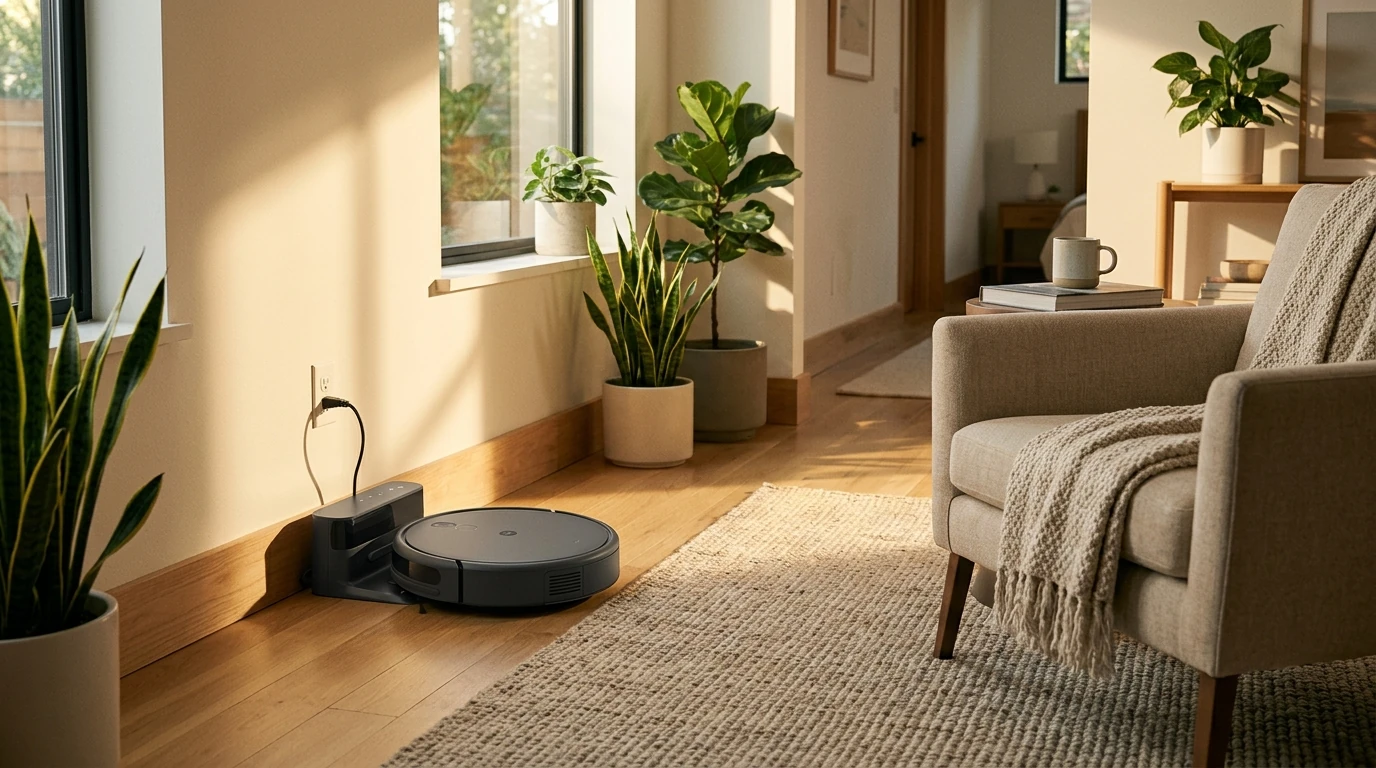
Charging a robot vacuum is usually a quick set-and-forget routine: place the charging dock in a good spot, power it on, and let the robot find and seat itself on the contacts. Once it’s docked correctly, it will top off the battery automatically between cleaning runs.
1) Set up the charging dock the right way
Put the dock on a hard, level surface close to an outlet. Leave open space around it so the robot can approach straight on (avoid tight corners, thick rugs, or clutter right in front of the dock). Plug in the dock and confirm its power light is on, if your model has one.
2) Prep the robot for docking
Flip the robot over and remove any shipping films or protective covers. Make sure the charging contacts on the robot and dock are clean and dry—dust buildup can prevent a solid connection. If needed, wipe the contacts gently with a soft, dry cloth.
3) Charge it (automatic docking or manual placement)
For most models, press “Home,” “Dock,” or the charging icon in the app to send it back to the base. If it’s a first-time charge or the battery is fully drained, place the robot on the dock manually so the metal contacts line up. You should see a charging indicator light or an app status change within a few seconds.
4) Let it complete the first full charge
Initial charging can take longer than routine top-ups. Keep it docked until the indicator shows “Fully charged” so the battery management system can calibrate properly.
For a helpful walkthrough and more details on USB charging and smart RC robot features, visit the main guide here: https://emprene.com/guide-gesture-smart-rc-robot-programmable-replay-usb-charging/.
FAQ
How do I know my robot vacuum is charging?
Most robot vacuums show a pulsing or blinking battery/charging icon, a dock light change, or an in-app status like “Charging.” If nothing changes, check that the contacts are aligned and the dock has power.
Should you leave your robot vacuum plugged in all the time?
Yes, for most modern robot vacuums it’s normal to leave the dock plugged in and keep the robot on it. The vacuum will stop actively charging when full and maintain the battery as needed.
How long does it take for a robot vacuum to charge?
Many models take around 3–6 hours for a full charge, though it varies by battery size and robot brand. A quick top-up between runs can be much faster than the first full charge.














Leave a comment